Lock and unlock Samsung DeX

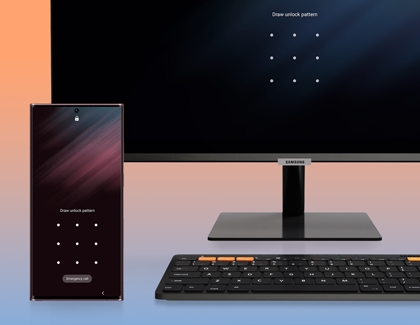
Locking and unlocking Samsung DeX is easy! You just need to select the Lock DeX option in the Samsung DeX screen on your connected device, such as your monitor. If you have Facial recognition or another type of Lock screen set up to get into your phone or tablet, for instance, you will need to use it to get back into DeX. 
Note20 connected to a TV with Samsung Dex

Lock and unlock Samsung DeX

Lock and unlock Samsung DeX

Note
The Samsung NotePaper and Samsung Privacy Screen products for tablets do not support biometric authentication. If you have difficulty with biometrics while using the NotePaper or Privacy Screen, open the cover or case, or use your alternate method.
Was this content helpful?
Table of contents
We're here for you

Contact Samsung Support

Contact us online through chat and get support from an expert on your computer, mobile device, or tablet. Support is also available on your mobile device through the Samsung Members App.

